
With Windows 10 support officially ended and Windows 11 requiring TPM 2.0 and modern hardware, many older PCs are now left without a secure or supported operating system. Rather than buying new hardware or risking unsafe third-party hacks, Linux provides free and lightweight alternatives that work great on legacy machines without TPM 2.0.
This guide highlights some of the best Linux options for older desktops and laptops, including distributions designed to run well with limited CPU, RAM, or storage.
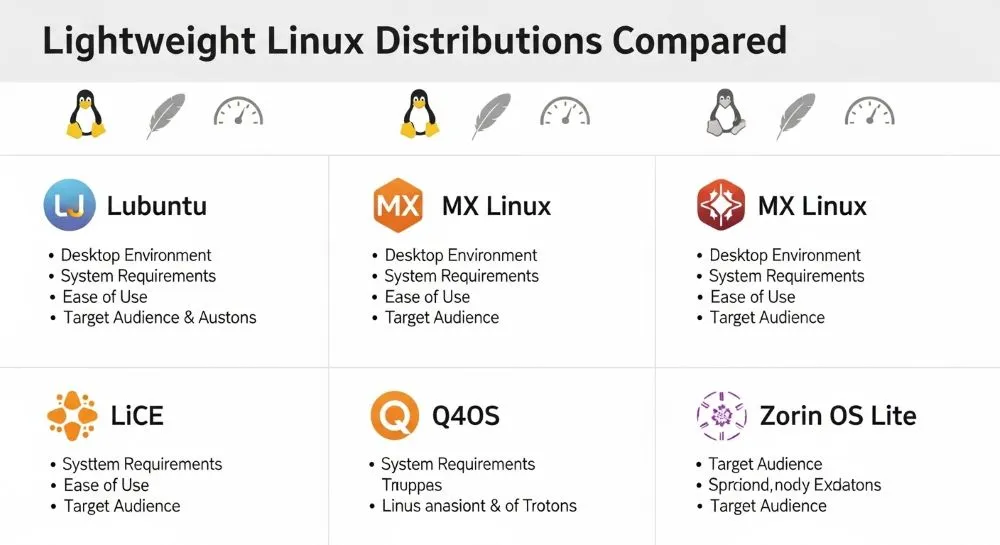
💻 Why Linux Is a Great Choice for Older PCs
Unlike Windows 11, Linux does not require TPM 2.0, Secure Boot, or brand-new CPU features, allowing you to continue using older hardware safely and securely. Linux also offers:
✔ Free and open-source software
✔ Greater control over updates and privacy
✔ A wide range of desktop environments
✔ Support for USB, older Wi-Fi, printers, and more
Plus, with distributions tailored to low–resource computers, you can often get better performance and responsiveness than you ever did with Windows 10.
🥇 Best Linux Distros for Older PCs Without TPM
Here are some of the top Linux distributions that are ideal for older systems:
🟢 Zorin OS (Windows-like Experience)
A popular choice for users migrating from Windows, Zorin OS offers a familiar desktop interface and runs smoothly on older PCs with 2 GB RAM or more. It’s secure, fast, and ideal for general use, web browsing, office work, and media.
Best for: Users who want a Windows-style experience and easy transition.
🟡 antiX (Ultra-Lightweight for Legacy Hardware)
antiX is a lightweight Linux distro designed to run on old hardware, including 32-bit and low-resource PCs. It doesn’t use systemd, making it lean and efficient even on very old machines.
Best for: Very old PCs or minimalists needing basic computing.
🔵 Q4OS (Fast and Familiar Desktop)
Q4OS is a Debian-based distro focused on speed and simplicity. It includes desktop environments that feel familiar to Windows users and works well on older systems, too.
Best for: Users who want a balance between performance and usability.
🟣 Puppy Linux (Extremely Lightweight)
Puppy Linux is one of the smallest and fastest Linux distributions around. Designed to run completely from RAM, it makes even ancient hardware feel responsive.
Best for: Computers with very limited memory or storage.
🟠 Kubuntu (Ubuntu with KDE)
Kubuntu offers the familiar Ubuntu base with a polished KDE desktop. It’s a bit heavier than ultra-light distros, but still a great choice for older machines with moderate specs.
Best for: Users who want Ubuntu compatibility with a modern desktop feel.
📊 What About ReactOS?
ReactOS aims to be a free, open-source operating system that’s binary-compatible with Windows applications. While intriguing, it is still in alpha development and not recommended as a daily driver for most users.

🛠 How to Test Linux on Your PC
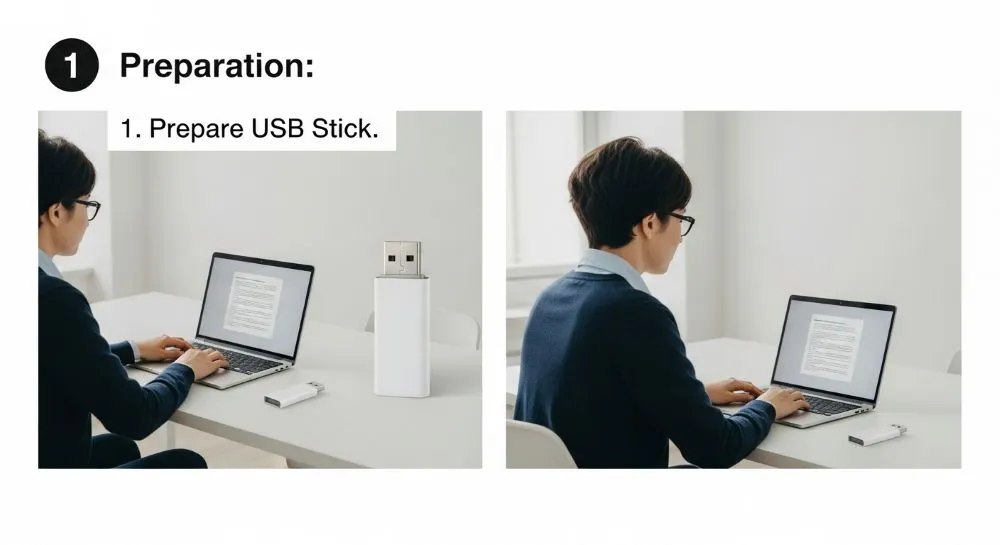
Before installing, you can test any Linux distro via Live USB. This allows you to boot the system directly from a flash drive without touching your hard drive or existing Windows installation — perfect for trying the interface and hardware support before committing.

📌 Tips for Success
✔ Choose a lightweight distro if your computer has < 4 GB RAM
✔ Try multiple USB boot sessions before installing
✔ Make backups of important files before formatting
✔ Use community forums for installation help

❓ Frequently Asked Questions (FAQ)
Can Linux run on PCs without TPM 2.0?
Yes. Linux does not require a TPM chip, so you can install it on virtually any hardware that boots from USB or CD.
Do these distros support modern apps?
Yes — most include package managers that give access to web browsers, office apps, media players, and more.
Is it hard to switch from Windows to Linux?
Some learning is involved, but many distros (like Zorin OS and Kubuntu) offer familiar interfaces and easy setup.
🏁 Conclusion
If your PC doesn’t support Windows 11 due to TPM 2.0 requirements, Linux offers powerful alternatives that extend the life of your hardware. Whether you want a Windows-like experience, ultra-light performance, or a balance of features and speed, there’s a distro suited to your needs — and most of them are completely free.
With Linux, you can keep your older machine secure, responsive, and productive for years to come.
Looking for more Linux system administration tips and fixes?
Browse all Linux & System Administration guides →