

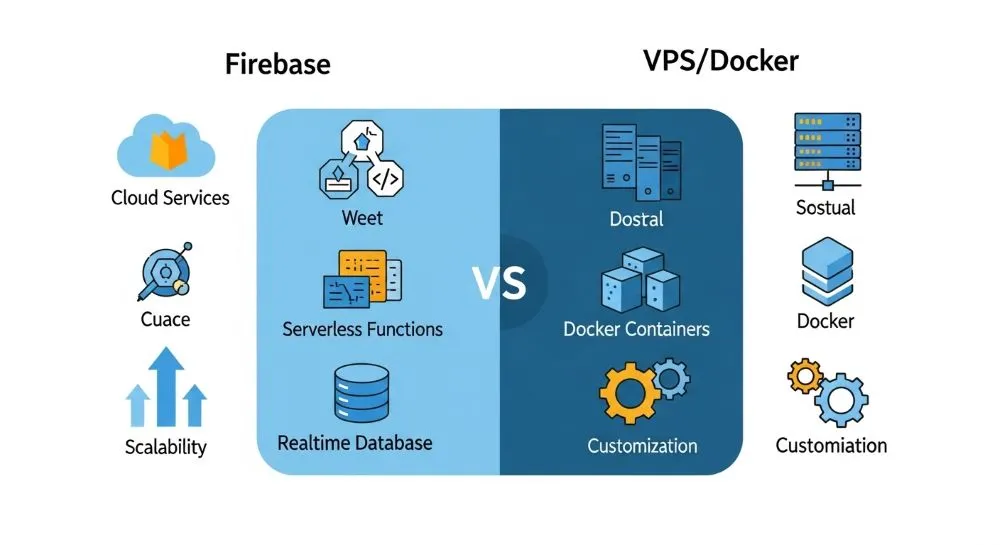
When choosing the backend and hosting stack for your app, developers often ask: Should I go with a managed platform like Firebase, or host on my own VPS using Docker? Each option has strengths and trade-offs depending on the nature of your project, team skills, and long-term goals. This comparison breaks down key differences to help you decide the right path.
🚀 What Is Firebase?
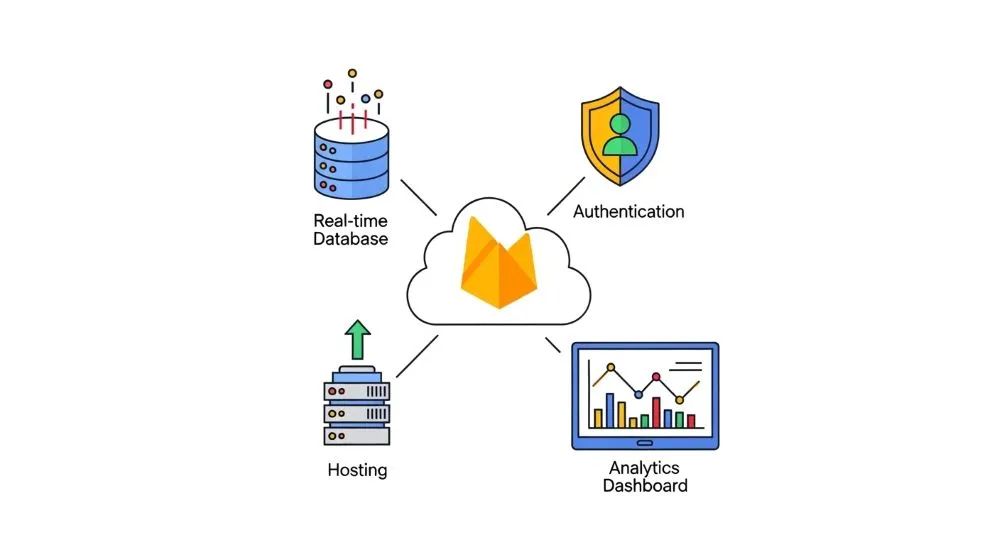
Firebase is a Backend-as-a-Service (BaaS) and cloud platform from Google that provides ready-made backend features including:
- real-time database (Firestore / Realtime Database)
- user authentication
- hosting with automatic HTTPS
- serverless functions
- built-in analytics and cloud messaging
Its biggest advantage is speed and convenience — you can launch apps without managing servers yourself. It’s especially popular for mobile apps, static sites, and quick prototypes.
🐳 What Is VPS with Docker?
A VPS (Virtual Private Server) is a cloud server where you have full infrastructure control — typically an Ubuntu/Debian machine on providers like DigitalOcean, Contabo, or Oracle Cloud. When combined with Docker, you can package your app into containers that run consistently across environments.
This setup gives you complete control over the environment, software stack, and performance.

🔍 Feature Comparison
Here’s how Firebase and self-hosted VPS + Docker stack up:
🔧 Infrastructure and Control
- Firebase: Fully managed. You don’t manage OS or server infrastructure — just your app and backend logic. Ideal if you want to avoid DevOps overhead.
- VPS + Docker: Full control of OS, networking, resources, and software stack. You manage everything from security to updates.
Best for:
- Firebase: rapid development, serverless workflows
- VPS + Docker: advanced customization, backend complexity
📈 Scalability and Performance
- Firebase: Automatically scales with demand. You don’t worry about server load or provisioning.
- VPS + Docker: You must scale manually — either resize your VPS or orchestrate containers with Kubernetes or Docker Swarm.
Best for:
- Firebase: unpredictable traffic and autoscaling needs
- VPS + Docker: high-performance workloads where you control scaling
💸 Cost and Pricing
- Firebase: Free tier available for small apps; costs increase with usage (storage, database reads/writes, functions executions).
- VPS + Docker: Predictable monthly cost based on server specs (CPU, RAM, storage). Can be cheaper at scale if you optimize resources.
Best for:
- Firebase: MVPs, small to medium apps without heavy data processing
- VPS + Docker: larger apps with predictable traffic
🔐 Security and Vendor Lock-In
- Firebase: You rely on Google Cloud’s security model, but it creates vendor lock-in — it can be harder to migrate away later without refactoring code.
- VPS + Docker: You control everything — including firewalls, access policies, and your own backup solutions. More freedom, but also more responsibility.
📊 When to Choose Firebase
Choose Firebase if:
✔ You want to launch quickly with minimal DevOps
✔ You need built-in services like authentication, real-time database, analytics
✔ You prefer cloud-managed infrastructure
✔ Your team doesn’t specialize in backend or server management
Firebase shines for mobile apps, static sites, and rapid prototyping where simplicity matters most.
📦 When to Choose VPS + Docker
Choose a VPS with Docker if:
✔ You need complete control over your environment
✔ Your backend logic is complex or requires custom servers
✔ You need to self-host services like databases, caching, or cron jobs
✔ You prefer containerization and consistent environments across dev → prod
This option is excellent for backend APIs, microservices, and full-stack applications that demand flexibility.
🧠 Hybrid Approach
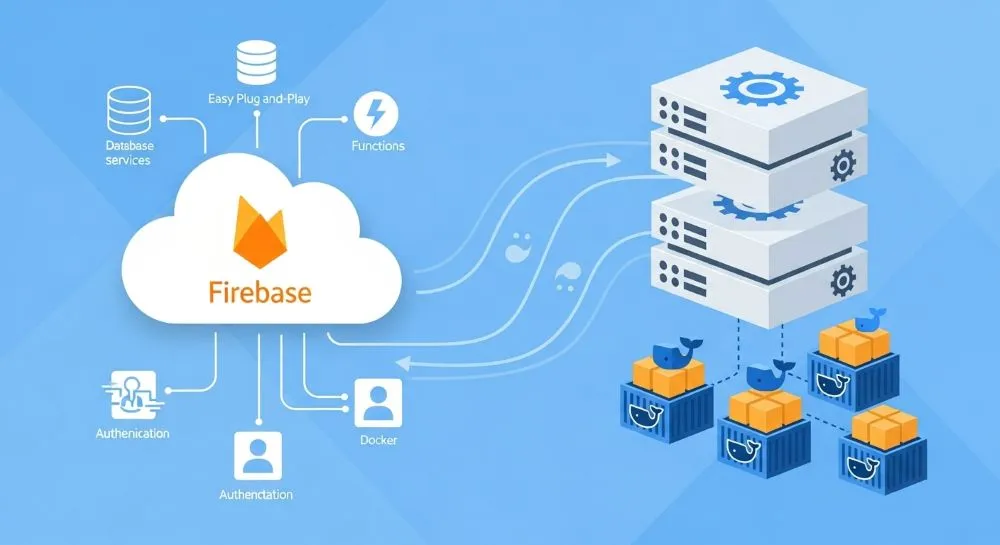
Sometimes, the best architecture uses both:
🔹 Use Firebase for authentication, push notifications, and real-time features
🔹 Use VPS + Docker for backend APIs, scheduled tasks, or custom processing
This hybrid pattern lets you leverage Firebase’s ease without sacrificing control where it matters.
❓ FAQ
Is Firebase only for mobile apps?
No — Firebase works for web projects, single-page apps, and serverless hosting too, with automatic SSL and CDN support.
Do I need to know DevOps to use VPS + Docker?
Yes. You’ll need to manage servers, updates, security, and deployments.
Can I switch later between Firebase and VPS?
You can, but migrating backend logic often requires code changes — especially if you rely on Firebase services like Firestore or functions.
Conclusion
There’s no single “best” choice — only the choice that fits your project needs:
- Firebase = fast setup, managed backend, serverless features
- VPS + Docker = total control, flexible environments, advanced workflows
Understanding your project scope (scale, complexity, team skills, budget) is key to making the right decision.
Managing cloud accounts or facing access issues?
See all Cloud & Accounts guides here →

