
Resposta Rápida
A manutenção preventiva de uma VPS com aaPanel na Oracle Cloud consiste em atualizar o sistema operacional regularmente, monitorar recursos como CPU, RAM e armazenamento, validar backups, revisar logs de segurança e testar restaurações periodicamente. Em 2026, servidores expostos à internet sofrem milhares de tentativas automatizadas de acesso diariamente, tornando a manutenção contínua uma das tarefas mais importantes para garantir disponibilidade, desempenho e proteção dos dados.
Principais Pontos
- Atualizações automáticas reduzem riscos de vulnerabilidades conhecidas.
- Backups sem testes de restauração não são confiáveis.
- Monitoramento de CPU, RAM e disco ajuda a detectar problemas antes que afetem os usuários.
- Logs revelam ataques, erros e gargalos ocultos.
- Auditorias periódicas aumentam a estabilidade e a segurança do ambiente.
Visão Geral
Muitos usuários escolhem a Oracle Cloud por oferecer instâncias gratuitas extremamente atraentes para hospedar:
- Sites WordPress
- Blogs
- Aplicações PHP
- APIs
- Servidores pessoais
- Ferramentas self-hosted
O problema é que grande parte das falhas não ocorre durante a instalação inicial, mas meses depois devido à falta de manutenção.
Entre os problemas mais comuns estão:
| Problema | Consequência |
|---|---|
| Sistema desatualizado | Vulnerabilidades exploráveis |
| Disco cheio | Sites fora do ar |
| Backup inválido | Perda total de dados |
| PHP antigo | Incompatibilidade e riscos |
| Firewall mal configurado | Invasões |
| Banco de dados sem otimização | Lentidão |
Uma rotina simples de manutenção pode evitar praticamente todos esses cenários.
Explicação Completa
Por que a manutenção preventiva é essencial?
Um servidor conectado à internet funciona 24 horas por dia e está constantemente sendo analisado por bots automatizados.
Na prática, mesmo uma VPS recém-instalada pode receber:
- Tentativas de SSH por força bruta
- Escaneamentos de portas
- Exploração de vulnerabilidades conhecidas
- Ataques contra WordPress
- Tentativas de acesso a bancos de dados
Sem manutenção, o risco aumenta continuamente.
O que mudou em 2026?
As principais mudanças nos ambientes VPS incluem:
Atualizações mais frequentes
Distribuições como Ubuntu e Debian recebem correções críticas constantemente.
Ataques impulsionados por IA
Bots modernos conseguem identificar rapidamente:
- Plugins vulneráveis
- Versões antigas do PHP
- Configurações inseguras
Maior dependência de automação
Ferramentas modernas permitem:
- Atualizações automáticas
- Alertas inteligentes
- Monitoramento em tempo real
- Backups automatizados
Administradores que ainda dependem exclusivamente de verificações manuais estão mais expostos a falhas.

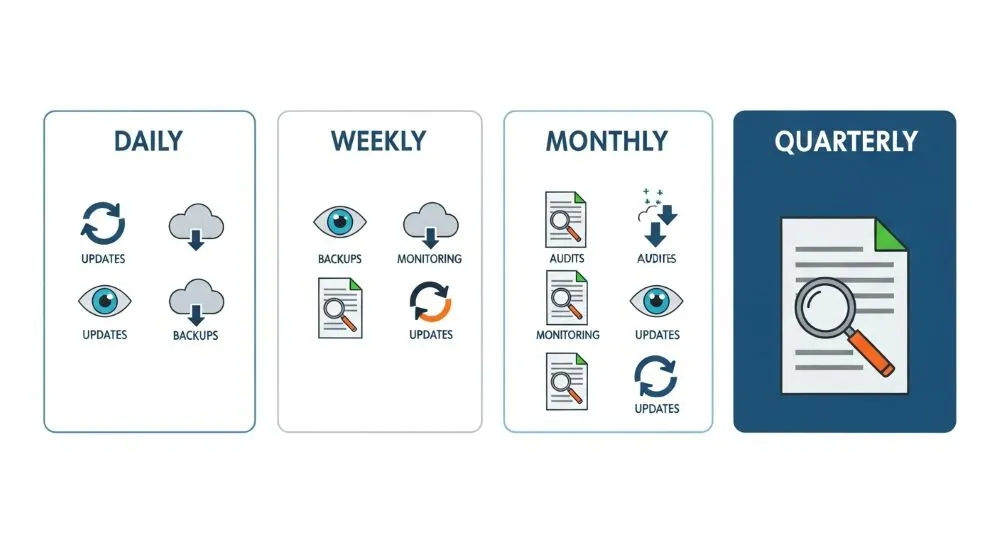
Checklist Diário
1. Atualizações automáticas de segurança
Ubuntu e Debian oferecem atualização automática para correções críticas.
sudo apt install unattended-upgrades apt-listchanges -y
sudo dpkg-reconfigure --priority=low unattended-upgrades
Verifique periodicamente:
cat /var/log/unattended-upgrades/unattended-upgrades.log
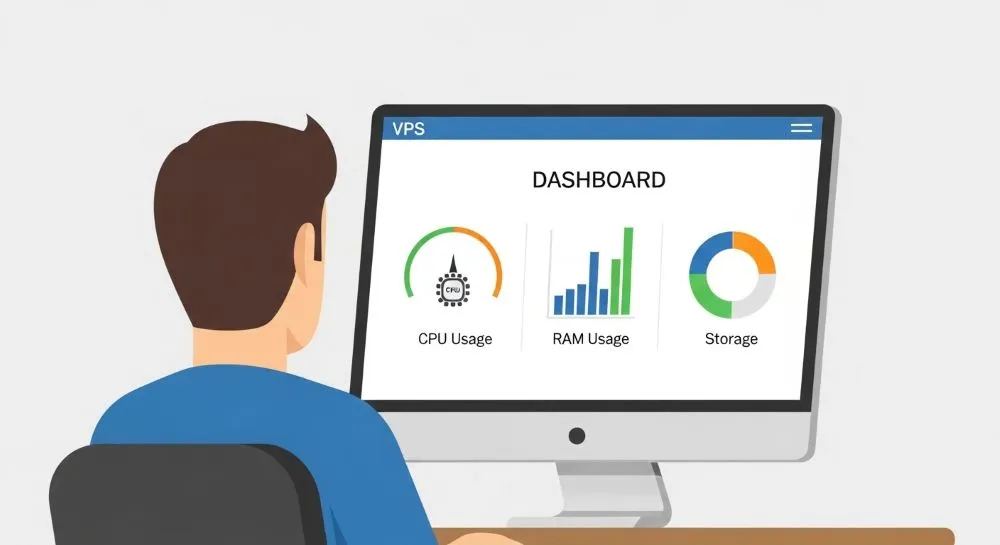
2. Monitorar utilização do servidor
Verifique:
df -h
Uso de armazenamento.
free -h
Uso de memória.
top
Uso de CPU.
Limites recomendados
| Recurso | Alerta |
|---|---|
| CPU | Acima de 80% por longos períodos |
| RAM | Acima de 85% |
| Disco | Acima de 80% |
| Swap | Uso constante |
3. Monitoramento pelo aaPanel
Acompanhe:
- CPU
- RAM
- I/O de disco
- Tráfego de rede
- Processos ativos
Picos incomuns geralmente indicam:
- Ataques
- Plugins defeituosos
- Loops de processos
- Malware
Checklist Semanal
Atualizar pacotes
sudo apt update && sudo apt upgrade -y
Limpeza:
sudo apt autoremove -y
sudo apt clean
Reiniciar quando necessário
[ -f /var/run/reboot-required ] && sudo reboot
Verificar serviços essenciais
systemctl status nginx
systemctl status mysql
systemctl status php*-fpm
Atualizar aplicações web
No aaPanel:
- PHP
- Nginx
- OpenLiteSpeed
- MariaDB
- MySQL
- Redis
Além disso:
- WordPress Core
- Temas
- Plugins
Checklist Mensal
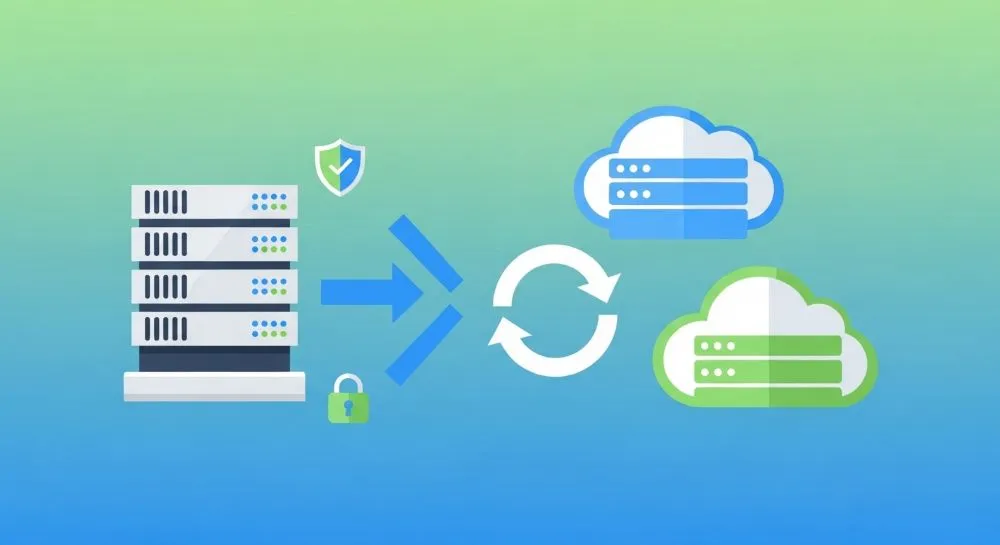
Estratégia de backup em camadas
A regra recomendada em 2026 é:
Método 3-2-1
- 3 cópias dos dados
- 2 tipos diferentes de armazenamento
- 1 cópia externa
Exemplo:
| Local | Tipo |
|---|---|
| VPS | Produção |
| Snapshot Oracle Cloud | Backup local |
| Google Drive ou S3 | Backup externo |
Auditoria de segurança
Troque:
- Senhas administrativas
- Senhas de banco de dados
- Tokens antigos
Ative:
- 2FA
- Firewall
- SSH por chave pública
Desative:
- Login root por senha
Revisão das portas abertas
sudo ss -tulpn
Ou:
sudo netstat -tulpn
Mantenha apenas portas realmente necessárias.
Checklist Trimestral
Analisar tentativas de invasão
less /var/log/auth.log
less /var/log/nginx/access.log
Procure por:
- Muitos erros 404
- Tentativas SSH repetidas
- Scanners automatizados
Testar restauração de backup
O maior erro dos administradores é acreditar que possuem backup funcional sem nunca testá-lo.
Crie uma VPS temporária e valide:
- Arquivos
- Banco de dados
- Configurações
Benchmark de desempenho
Ferramentas recomendadas:
htop
iotop
vmstat
sysbench
Isso ajuda a detectar degradação gradual do ambiente.

Consumo de Recursos: Valores de Referência
Servidor WordPress típico em Oracle Cloud Free Tier.
| Serviço | RAM Média |
|---|---|
| Ubuntu Server | 400 MB |
| Nginx | 50 MB |
| PHP-FPM | 300 MB |
| MariaDB | 500 MB |
| Redis | 100 MB |
| aaPanel | 200 MB |
Total aproximado:
1,5 GB a 2 GB de RAM
Esses valores variam conforme tráfego e quantidade de sites hospedados.
Como Validar Isso na Prática
Realize os seguintes testes:
Teste de armazenamento
df -h
Verifique crescimento semanal.
Teste de desempenho
htop
Observe:
- Carga média
- Uso de RAM
- Processos suspeitos
Teste de backup
Restaure um backup em uma VPS temporária.
Tempo ideal de recuperação:
| Ambiente | Tempo |
|---|---|
| Blog pequeno | 5-15 minutos |
| Site médio | 15-45 minutos |
| Aplicação complexa | 30-120 minutos |
Comparações Relevantes
Atualização Manual vs Automática
| Critério | Automática | Manual |
|---|---|---|
| Segurança | Excelente | Boa |
| Controle | Médio | Alto |
| Risco de falha | Médio | Baixo |
| Tempo gasto | Baixo | Alto |
Melhor prática
- Segurança automática
- Atualizações gerais supervisionadas
Backup aaPanel vs Snapshot Oracle Cloud
| Recurso | aaPanel | Snapshot |
|---|---|---|
| Arquivos | Sim | Sim |
| Banco de dados | Sim | Sim |
| Recuperação granular | Sim | Não |
| Recuperação completa | Parcial | Sim |
Ideal: usar ambos.
Benefícios
- Menos indisponibilidade
- Menor risco de invasão
- Melhor desempenho
- Recuperação rápida em emergências
- Maior vida útil da infraestrutura
Limitações
- Requer disciplina operacional
- Algumas atualizações podem gerar incompatibilidades
- Backups ocupam armazenamento adicional
- Testes periódicos consomem tempo
Vale a Pena Fazer Manutenção Preventiva?
Sim.
A maioria dos incidentes em VPS não acontece por falhas da Oracle Cloud ou do aaPanel, mas por:
- Atualizações negligenciadas
- Backups não testados
- Configurações inseguras
- Falta de monitoramento
Alguns minutos por semana podem evitar horas ou dias de recuperação após um problema.
Quem Deve Usar?
Ideal para:
- Blogs WordPress
- Sites corporativos
- APIs
- Aplicações PHP
- Servidores pessoais
- Ambientes Oracle Cloud Free Tier
Quem Deve Evitar?
Não existe cenário em que a manutenção preventiva deva ser ignorada.
Mesmo ambientes de testes devem seguir pelo menos rotinas básicas de atualização e backup.

FAQ
O aaPanel atualiza automaticamente o sistema operacional?
Não. Ele atualiza componentes web, mas Ubuntu ou Debian continuam dependendo do gerenciador de pacotes do sistema.
Preciso reiniciar após toda atualização?
Não. Apenas quando houver atualização de kernel ou serviços críticos.
Quantos backups devo manter?
O recomendado é manter pelo menos três versões recentes e uma cópia externa.
Snapshot substitui backup?
Não. Snapshot é uma camada adicional de proteção.
Vale a pena usar monitoramento externo?
Sim. Ferramentas como Uptime Kuma permitem detectar indisponibilidade rapidamente.
Com que frequência devo revisar os logs?
Semanalmente para servidores críticos e mensalmente para ambientes de menor importância.
Conclusão
A manutenção preventiva deixou de ser uma prática opcional. Em 2026, servidores estão mais expostos a ataques automatizados, atualizações frequentes e dependência crescente de aplicações web.
Seguir uma rotina estruturada de verificações diárias, semanais, mensais e trimestrais reduz drasticamente os riscos de invasões, indisponibilidade e perda de dados.
O objetivo não é apenas manter a VPS funcionando, mas garantir que ela continue segura, rápida e preparada para crescer sem surpresas desagradáveis.
🚀 Sua VPS na Oracle Cloud está realmente protegida?
Reserve 15 minutos esta semana e execute o checklist apresentado neste guia. Você pode descobrir problemas ocultos antes que eles afetem seus sites ou aplicações.
Se você utiliza aaPanel, WordPress ou Oracle Cloud Free Tier, salve este artigo nos favoritos e use-o como referência permanente para suas rotinas de administração de servidores.
Gerenciando contas na nuvem ou enfrentando problemas de acesso?